User Guide
Everything you need to know about Zinnia Radio Player

Master Your Radio Experience
Welcome to the Zinnia Radio Player user guide! Discover all the features and tips to make the most of your listening experience.
Search stations
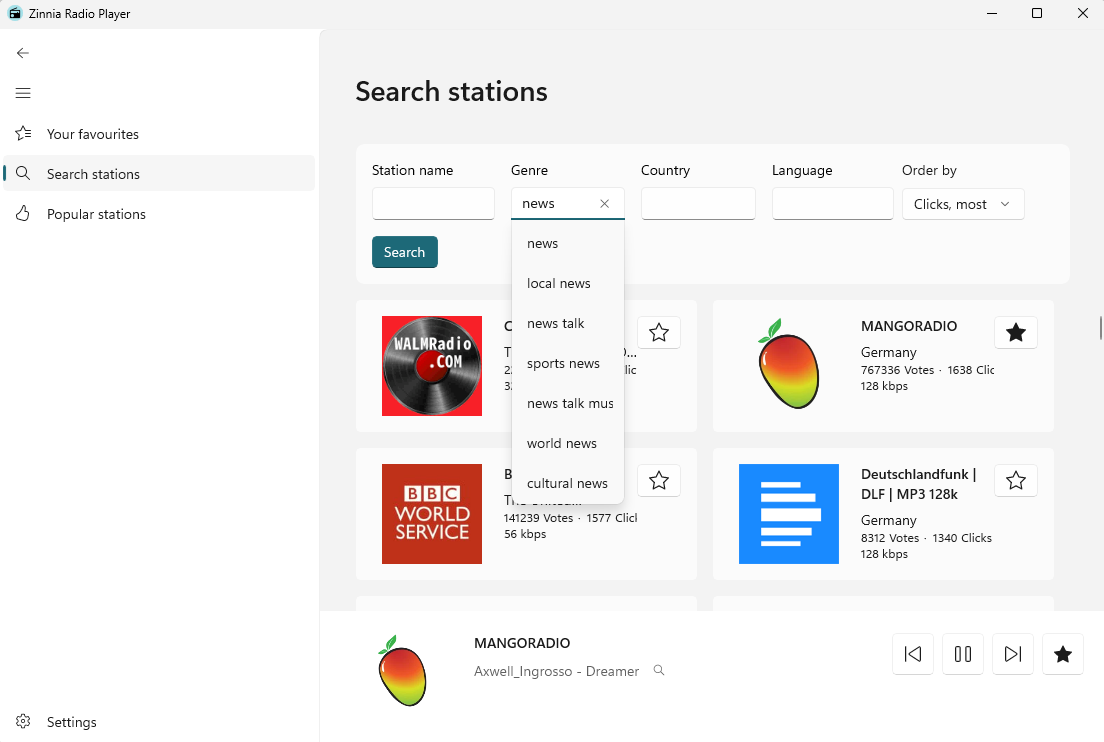
- Search 50,000+ radio stations by name, genre, country, or language
The search page lets you find any station in the world (almost). Type a station name, a genre (e.g. "jazz"), a country, or a language and select Search. Click on any station to start listening immediately.
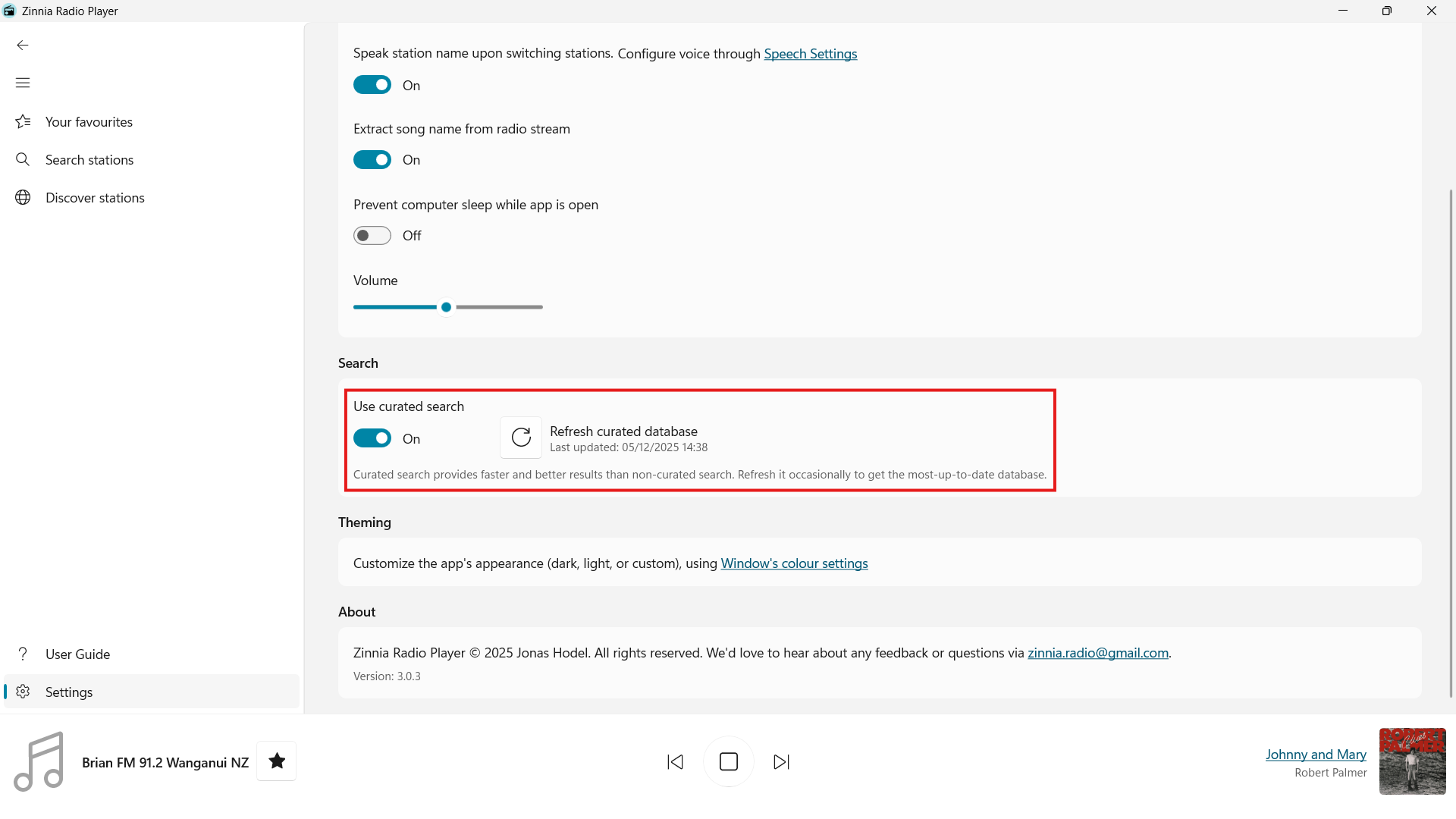
- Choose between an offline curated database or the live online station database
By default, Zinnia Radio Player searches the curated offline station database, which you can refresh at any time from Settings → Search. To use the online live database instead, turn off Use curated search from the same screen. The live database provides real-time updates and access to the latest stations, but may contain duplicates or less reliable data.
Discover stations
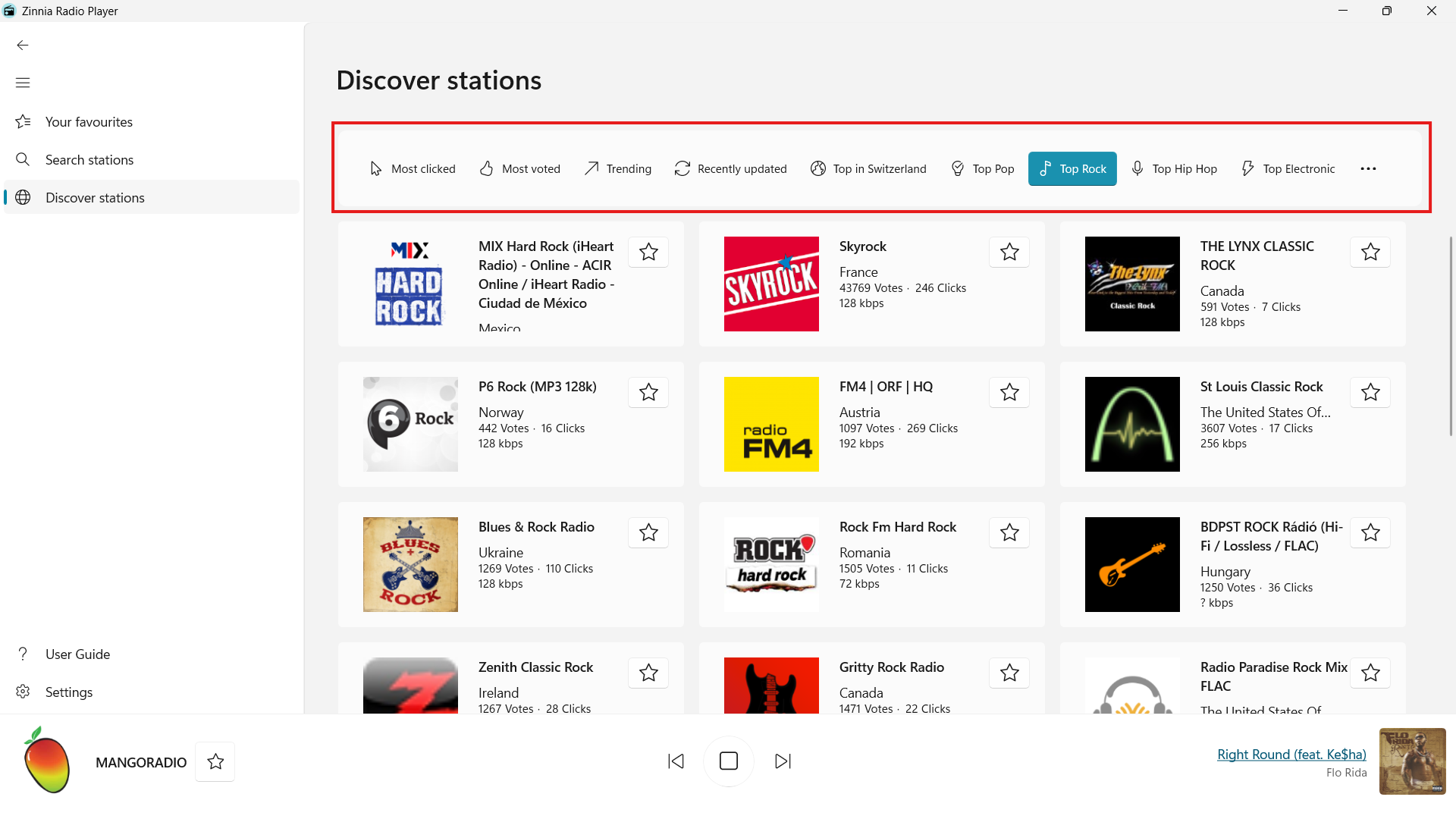
- Browse curated station lists: Most Clicked, Most Voted, Trending, Top Pop, Top Rock, Top Hip Hop, Top Electronic, Top Relaxing, and more
Open the Discover stations page to browse pre-built lists of popular and trending stations.
Your favourites
- Save your favourite stations and access them instantly from your favourites list
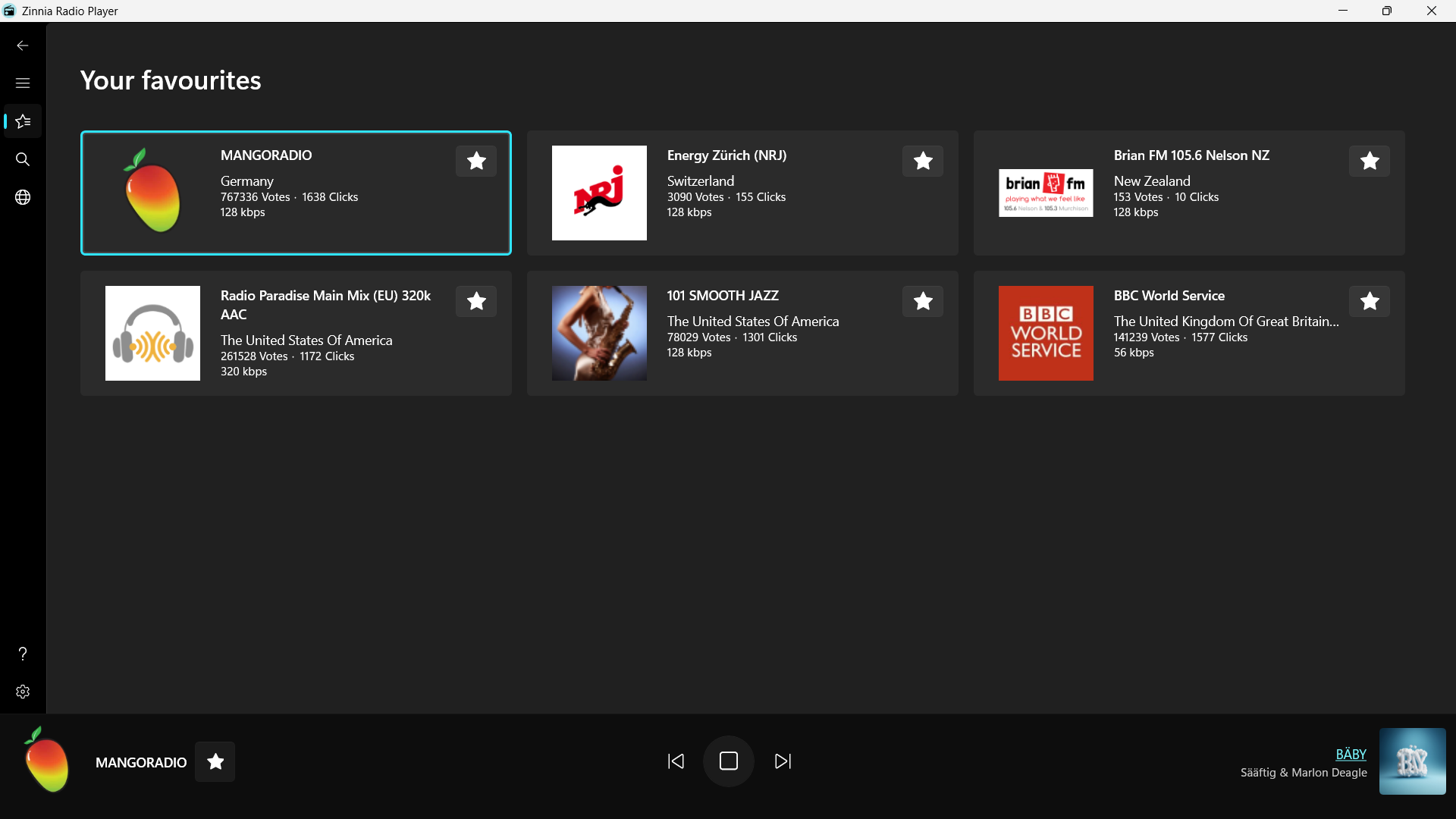
To save a station, select the star icon next to its name in the search results or on the Now Playing bar at the bottom of the app. Select the star again to remove it. All favourited stations are listed on the Favourites page — select any entry to tune in straight away.

Explore Music
- Live song title and artist updates as you listen
While a station is playing, the current song title and artist name update automatically on the Now Playing screen. This is powered by the station's own metadata stream — no action required on your part. Note that not all stations provide this information and it can be turned off under Settings → Playback.
- Album art fetched automatically for the current song
When a song title is detected, Zinnia Radio Player looks up the album artwork and displays it on the Now Playing bar at the bottom of the app. The art updates each time the track changes. Selecting the album art will open a larger view of the artwork and detailed song info: track name, artist, duration, genre, and release year.
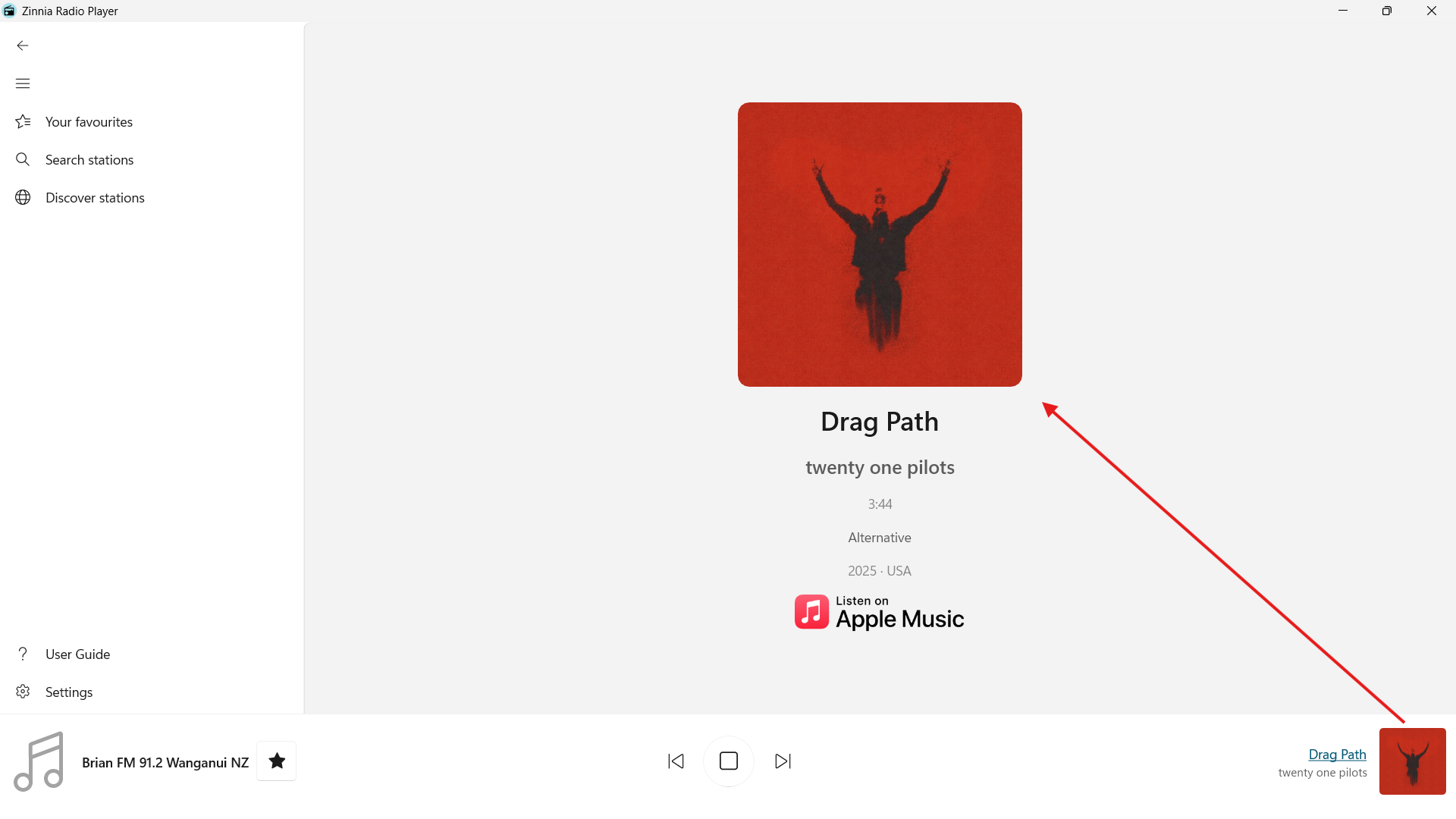
- Open the current song on Apple Music with one click
On the Now Playing screen, select the Apple Music button to open the current track directly in Apple Music.
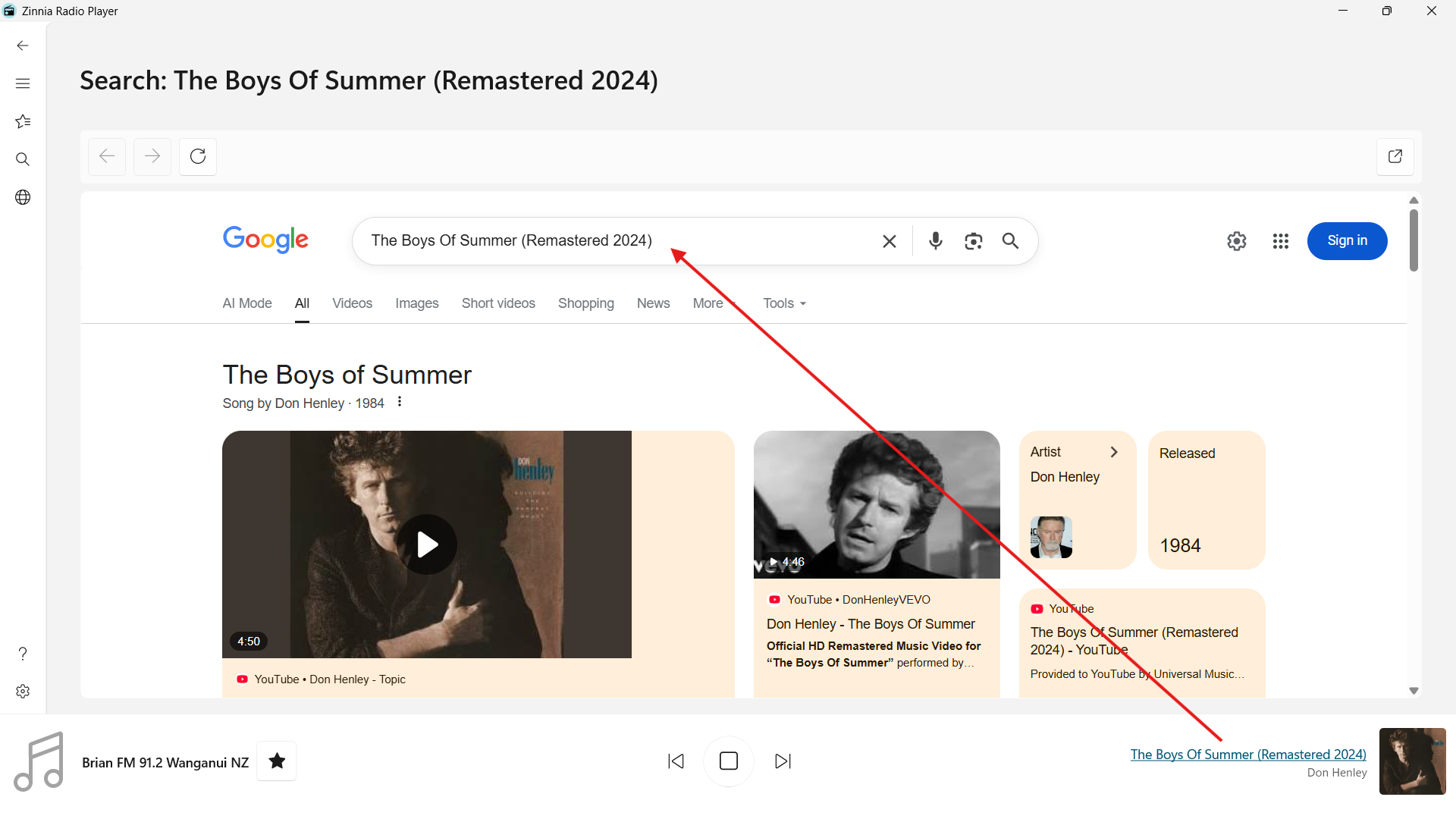
- One-click internet search for the currently playing song or artist
Select the song name on the Now Playing bar to instantly open a web search for the current song. Useful for finding lyrics, more tracks by the same artist, the song's music videos, or where to buy the music.
Playback Control
- Control playback with your headset or speaker hardware media buttons
The play, pause, next, and previous buttons on your headset, keyboard, or Bluetooth speaker work with Zinnia Radio Player out of the box — no setup required. Press play/pause to toggle the stream, and use next/previous to navigate between the currently visible station list (see Walk Away Listening).
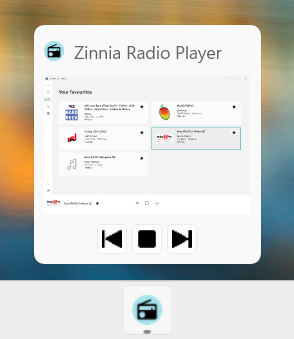
- Taskbar thumbnail buttons for quick playback control
Hover over the Zinnia Radio Player icon in the Windows taskbar to see a thumbnail preview with play/pause and skip controls. This lets you manage playback without switching away from whatever you're working on.
- Windows System Media Transport Controls
Zinnia Radio Player integrates with Universal Media Controls, providing a convenient alternative way to control playback.
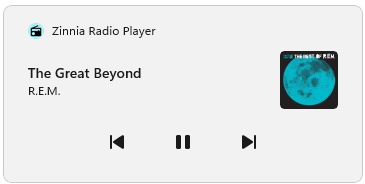
- Listen in the background while using other apps
Minimize the app and your station continues playing uninterrupted. You can control playback from the taskbar thumbnail or the Windows media overlay without bringing the app back into focus.
Walk Away Listening
- Use hardware buttons to cycle through your favorites list
Pressing the next or previous button on your headset or speaker moves to the next or previous station in the currently visible station list (for example favourites) — no need to touch your PC.
- Station name announced aloud when you tune in
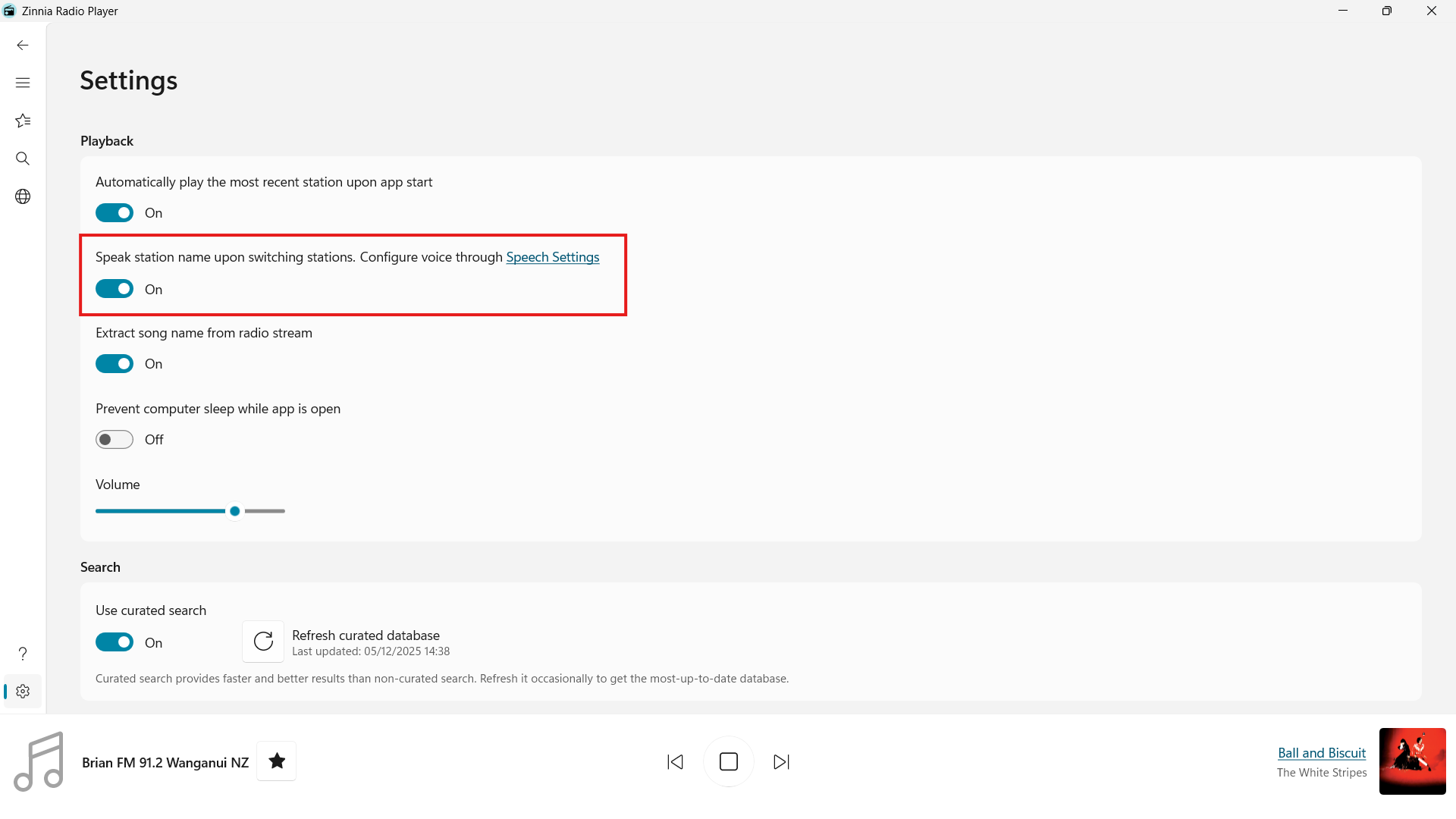
Each time you switch stations or resume play, the app speaks the station name aloud using Windows text-to-speech. To toggle this on/off or to adjust the voice settings, go to Settings → Playback.
- Optionally prevent your PC from sleeping
Go to Settings → Playback and turn on Prevent computer sleep while app is open. When this is on, your PC will not go to sleep which is great when you want to keep listening without interruptions.
Trial and Purchase
- No subscription, no trap
Zinnia Radio Player includes a free two-week trial with all features unlocked. There is no subscription, nothing to cancel, and you won't be billed automatically. When the trial ends the app pauses until you purchase it from the Microsoft Store. After that, all features are available again, exactly as they were during the trial. By purchasing you help support the development of Zinnia Radio Player. If your budget is tight but you'd still like to support us, then please consider sharing the app with your friends and leaving a positive review on the Microsoft Store.
Customization
- Automatically resume playback when the app starts
Go to Settings → Playback and enable Automatically play the most recent station upon app start. The next time you launch Zinnia Radio Player it will automatically tune in to the last station you were listening to.
- Supports light mode, dark mode, and your custom Windows theme
Go to Settings → Theming to choose between Light, Dark, or Custom themes.
Privacy & More
- Privacy-focused — your listening habits stay on your device
Zinnia Radio Player does not track what you listen to, does not build a listening profile, and does not require a sign-in. Your favorites list and settings are stored locally on your device only.
- Built with cyber security first
The app makes no unnecessary network requests. There are no third-party analytics SDKs, no advertising frameworks, and no data collection beyond what is strictly required to stream the station you choose.
- Built-in user guide to help you discover every feature
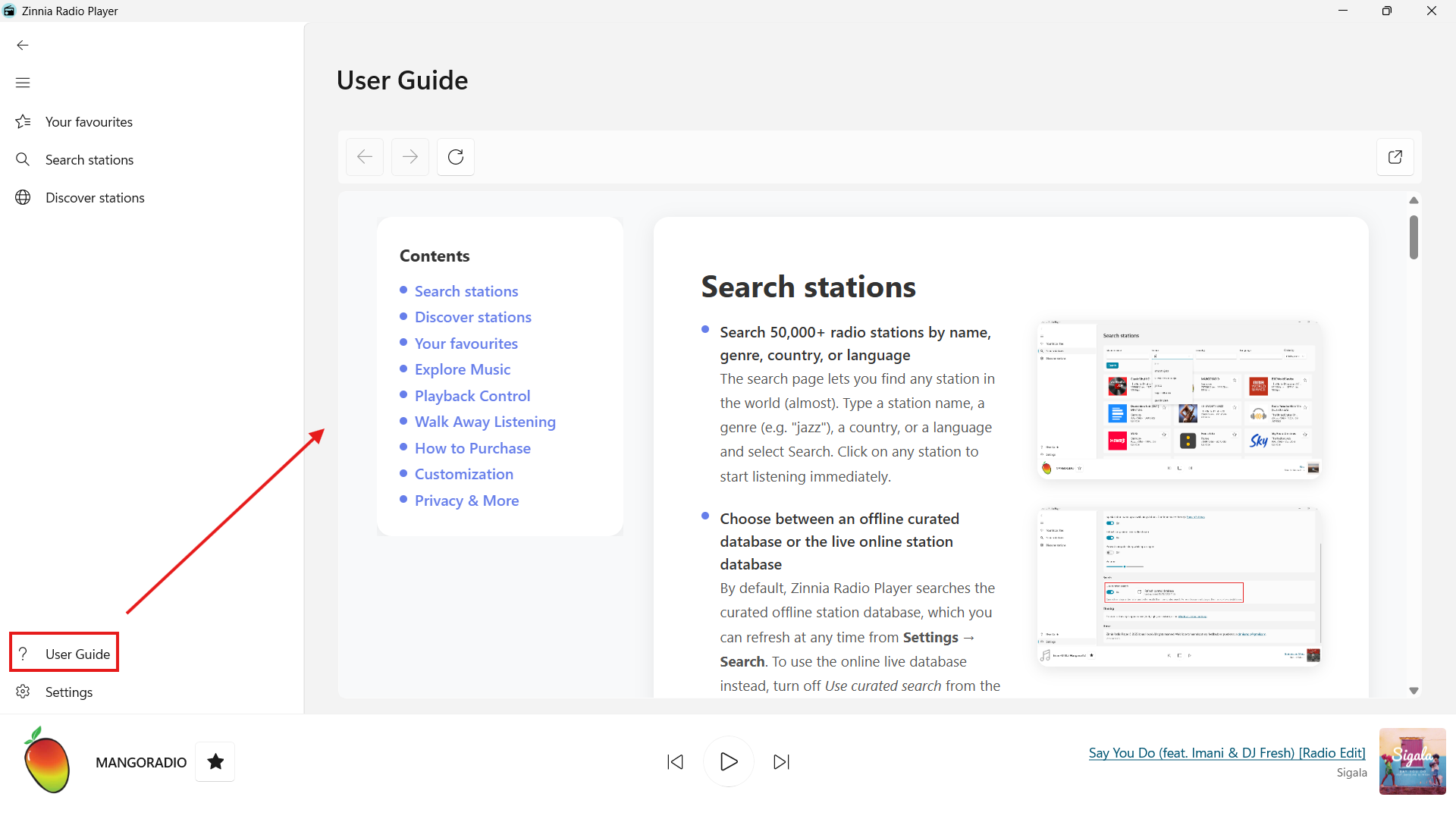
This guide is accessible directly inside the app. To open it, go to User Guide page.